
Core Operation: "Follow Me" Mouse Switching
DeskWall features seamless multi-source control without manual physical switches.
- Move your cursor past the edge of your current active source window to automatically grab control of the adjacent source.
- Your primary keyboard inputs will instantly route to whichever source your mouse cursor is currently hovering over.
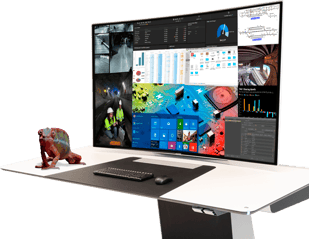
Managing Your Workspace Layouts
To change or customize how your source windows are arranged on your desk monitors:
- Press the DeskWall Hotkey Widget trigger (
Ctrl + Alt + Wby default) to bring up the local control overlay. - Select your predefined configuration template (e.g., Dual Source Split, Quad View, or OEM Main focus).
- Drag and drop connected inputs directly into the designated zones on your layout matrix grid.
- Click Apply Layout.